01
Plan
Create projects, define priorities, and organize work around clear goals.
OCS keeps every project, task, meeting, and chat in one place — so you always know what's done, what's next, and who's on it.

Modern teams don't struggle because they lack tools. They struggle because work is spread everywhere. Tasks live in one place. Decisions happen somewhere else. Updates get lost in conversations. OCS connects everything your team needs to move work forward.
Create projects, define priorities, and organize work around clear goals.
Give every task an owner, deadline, and purpose.
Keep discussions, files, decisions, and updates connected to the work.
Track progress and move projects forward with confidence.
Meetings, messages, personal tasks, projects, and team workload stay connected in one clear operating system.
Meetings should move work forward — not create more work. Capture agendas, decisions, notes, and follow-up tasks while keeping everything connected to the right project.
Get Started →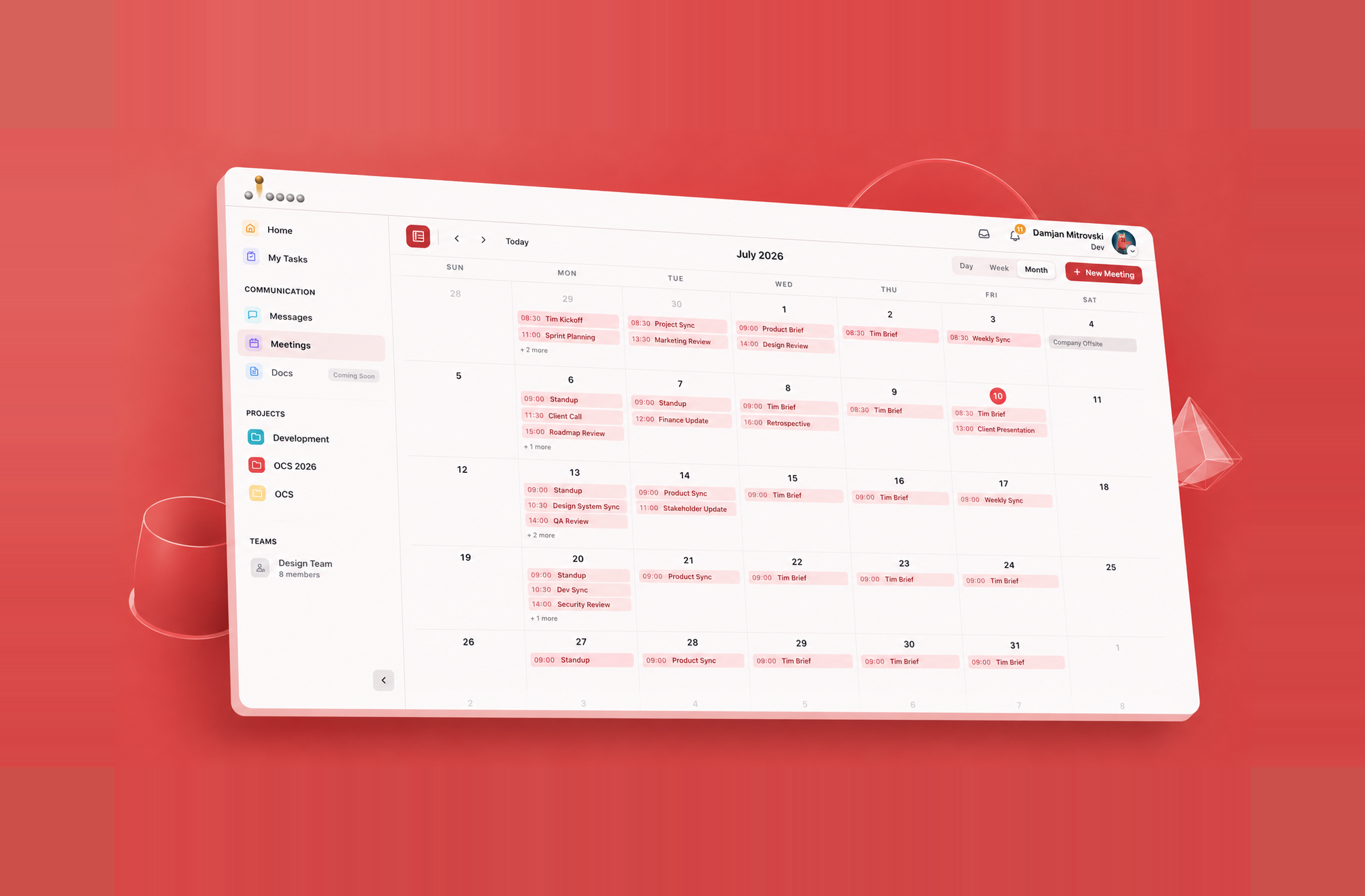
Important decisions shouldn't disappear inside chat threads. Keep messages, comments, files, and discussions attached to the work they belong to.
Get Started →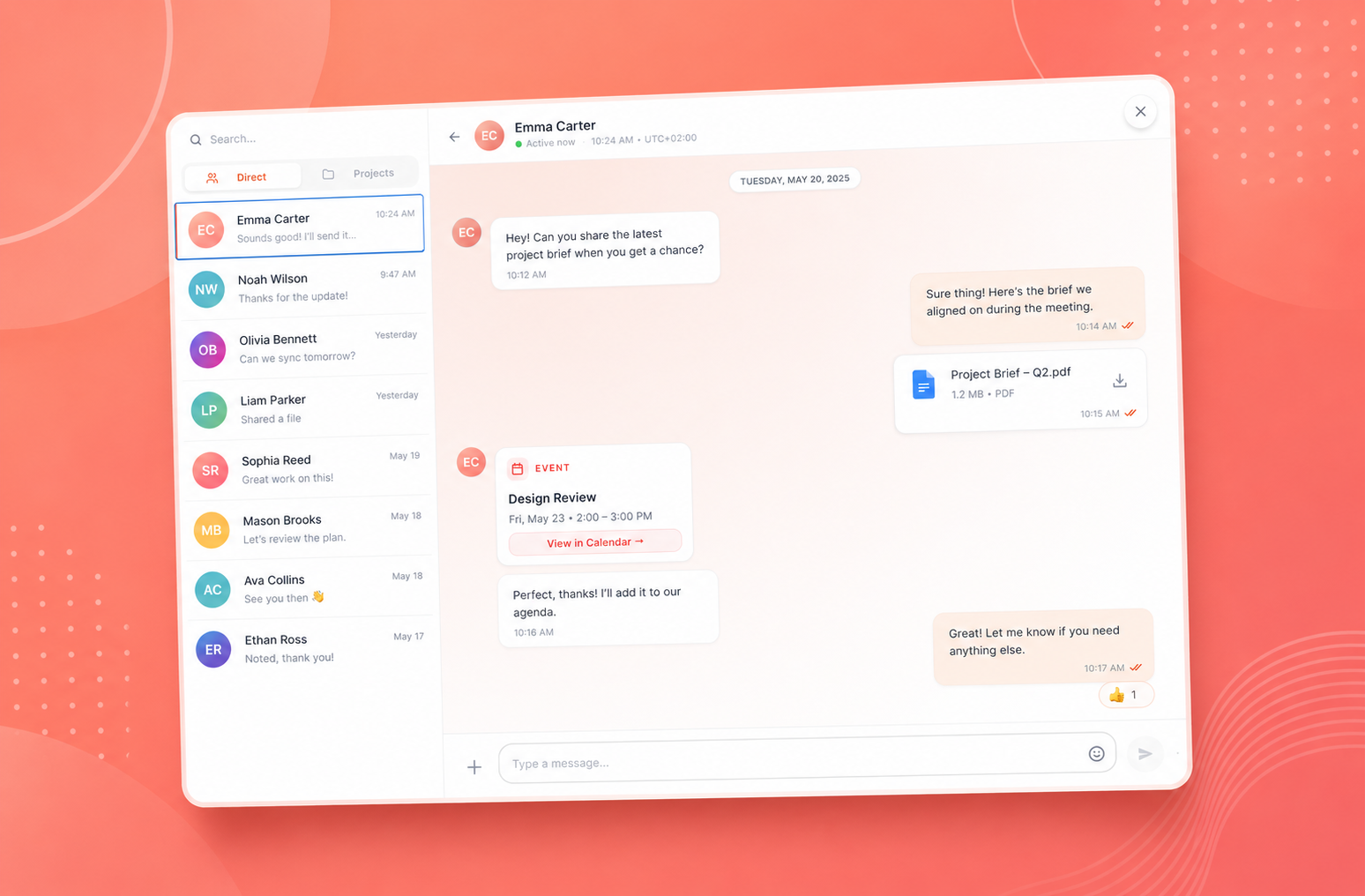
See your assigned work by status, priority, due date, and project so nothing important gets buried.
Get Started →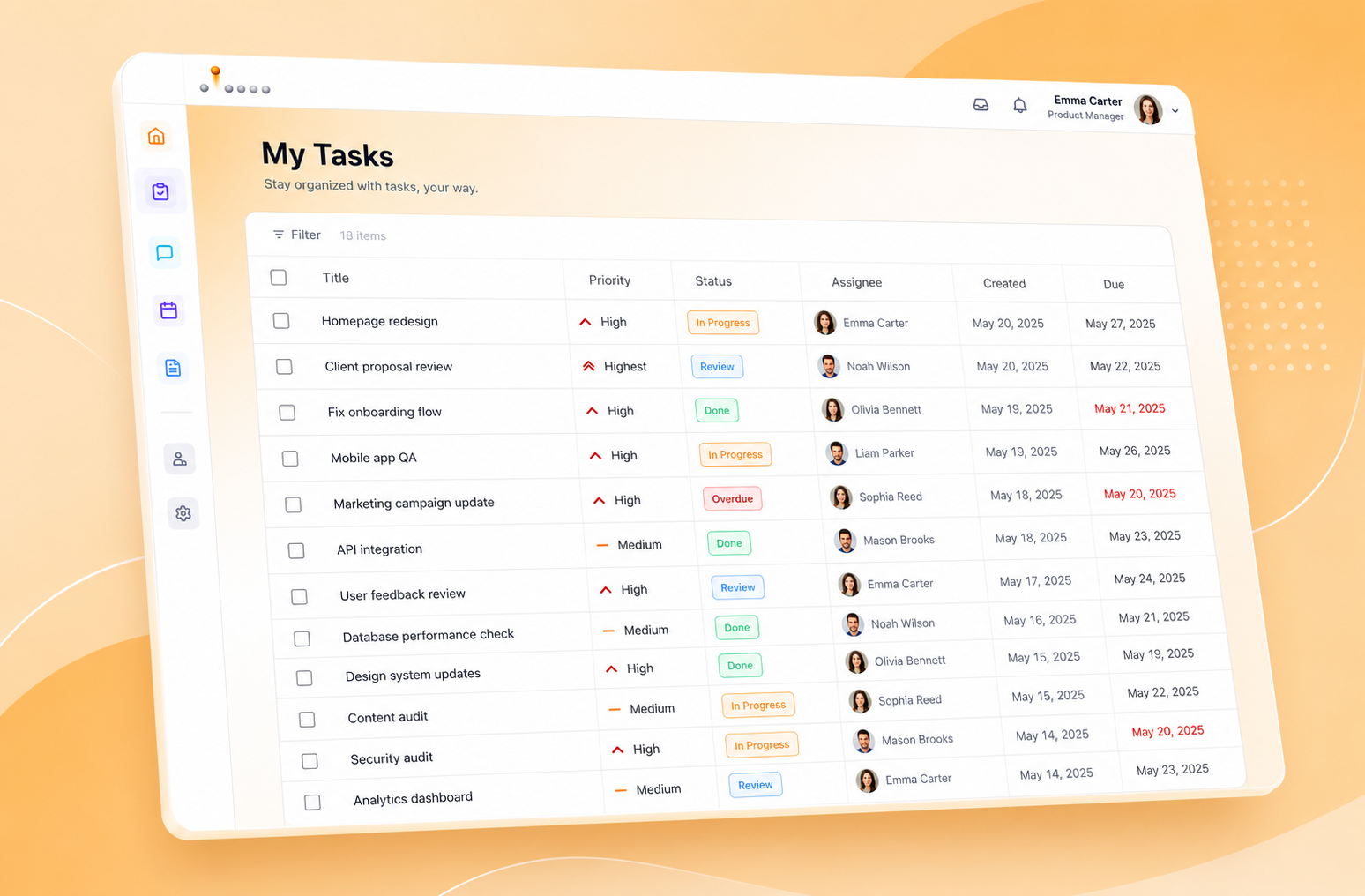
Manage complex initiatives with clear ownership, priorities, timelines, and progress tracking. Keep every milestone visible and every contributor aligned.
Get Started →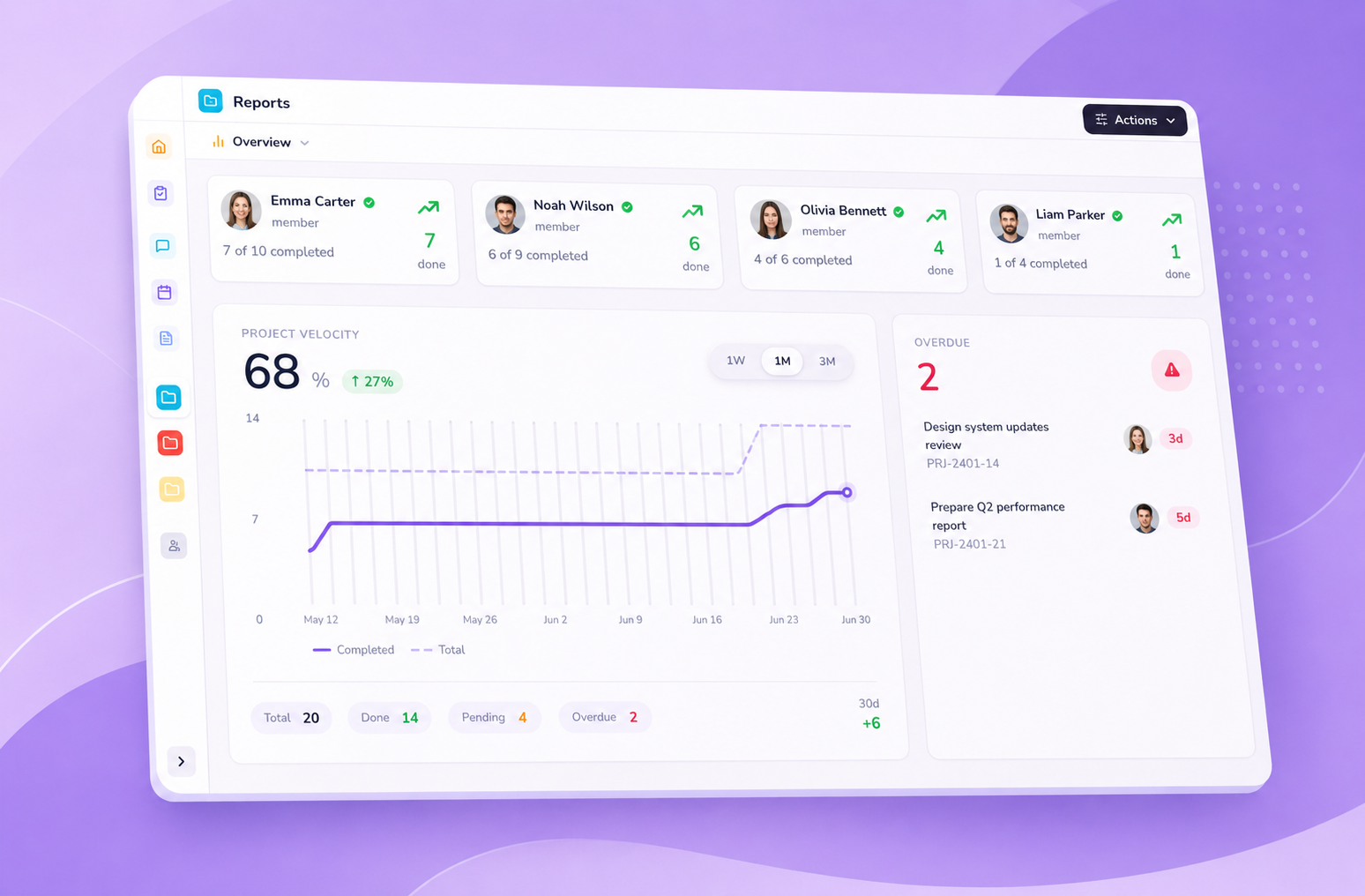
Manage people, permissions, notifications, and workflows from one central workspace. Create structure without slowing your team down.
Get Started →



OCS shows assignment pressure before deadlines slip.
Teams of every shape run their day-to-day work in OCS Task Manager.

OCS changed the way we manage projects. Everyone knows what they own, deadlines are clear, and progress is visible across the team.
David Kim
Engineering Manager, Northwind Logistics
Having projects, workload, and communication connected in one place eliminated the gaps between teams.
Maya Ferreira
Head of Product Operations, Brightline Health
OCS gives every department the flexibility to work their way while keeping the entire organization aligned.
Ava Chen
Marketing Director, Fielder Goods
We cut our project setup time from a full day to under an hour. Templates, roles, and notifications are ready before the kickoff call even ends.
Alex Novak
VP of Engineering, Rivet Studios

Link teams, work, and goals to unlock context right in your flow of work.
Work without borders
Tasks, comments, and updates sync in real time, so every teammate stays on the same page no matter which time zone they're logging in from.